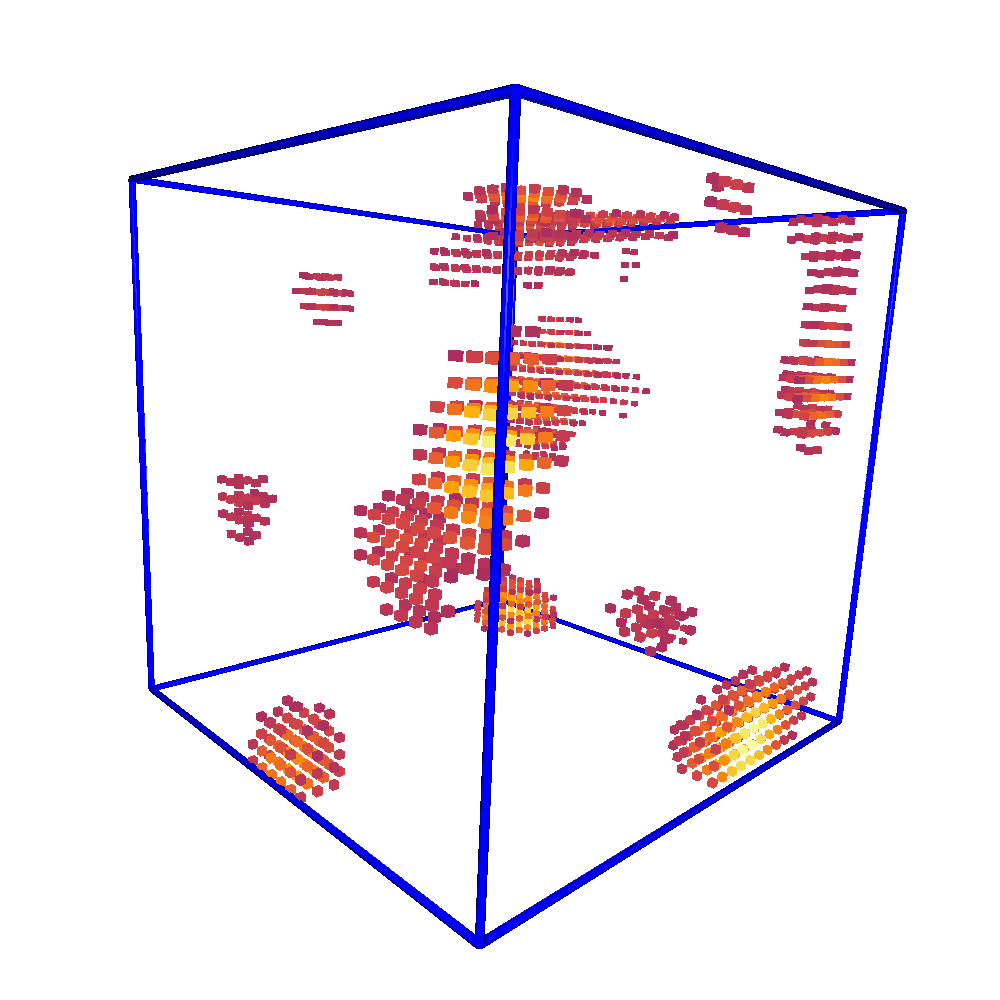
Visualize the features#
Several command line interfaces (CLI) are provided to perform visual inspection on the 3D-voxel features.
View slices of the voxel#
$ nearl-view-slice --help
usage: View the slice of the voxel for each axes [-h] [-f FILEINPUT] [-i INDEX]
                                                [-t TAGNAME] [-c CMAP] [-b BOUNDINGBOX]
                                                [-s SAVEPLY] [-x X] [-y Y] [-z Z]

optional arguments:
  -h, --help            show this help message and exit
  -f FILEINPUT, --fileinput FILEINPUT
                        The input HDF5 file
  -i INDEX, --index INDEX
                        The index of the molecule to be viewed, default: 0
  -t TAGNAME, --tagname TAGNAME
                        The tag name of the voxel, default: voxel
  -c CMAP, --cmap CMAP  The colormap to be used, default: inferno
  -b BOUNDINGBOX, --boundingbox BOUNDINGBOX
                        Whether or not to add a bounding box of the voxel. Default: 1
  -s SAVEPLY, --saveply SAVEPLY
                        The output file to save the ply object
  -x X, --x X           The x slice to be viewed, default: -1 (hide)
  -y Y, --y Y           The y slice to be viewed, default: 15
  -z Z, --z Z           The z slice to be viewed, default: 15

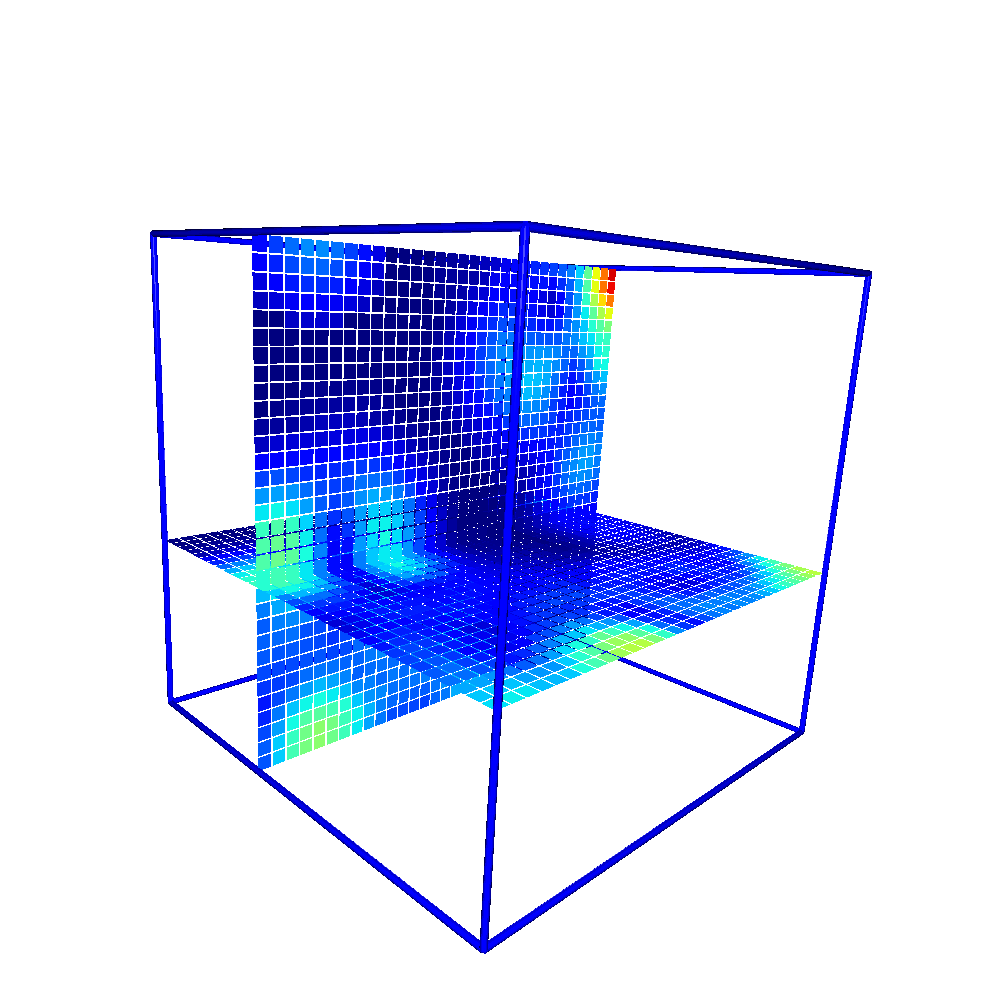
$ nearl-view-slice -f /tmp/features.h5 -t df_mass_std_prot -z 4 -b 0 -c jet -s /tmp/test.ply
With the above command, an Open3D viewer will be opened to visualize the voxelized feature of the 3D voxel.
# Visualize voxelized feature of the 3D voxel.
View grid of the voxel#
$ nearl-view-voxel --help
usage: View the slice of the voxel for each axes [-h] [-f FILEINPUT] [-i INDEX]
                                                [-t TAGNAME] [-c CMAP] [-b BOUNDINGBOX]
                                                [-s SAVEPLY] [-x X] [-y Y] [-z Z]

optional arguments:
  -h, --help            show this help message and exit
  -f FILEINPUT, --fileinput FILEINPUT
                        The input HDF5 file
  -i INDEX, --index INDEX
                        The index of the molecule to be viewed, default: 0
  -t TAGNAME, --tagname TAGNAME
                        The tag name of the voxel, default: voxel
  -c CMAP, --cmap CMAP  The colormap to be used, default: inferno
  -b BOUNDINGBOX, --boundingbox BOUNDINGBOX
                        Whether or not to add a bounding box of the voxel. Default: 1
  -s SAVEPLY, --saveply SAVEPLY
                        The output file to save the ply object
  -x X, --x X           The x slice to be viewed, default: -1 (hide)
  -y Y, --y Y           The y slice to be viewed, default: 15
  -z Z, --z Z           The z slice to be viewed, default: 15